
Really useful tools, technology tips and tricks
Whenever we come across new, cool and “geeky” technology tips and tricks, new apps of software tips on the web that we love and find really useful to either help you enhance your digital presence or improve your performance and efficiency, we will share those secrets with you.
We invite you to share your own findings with us using #reallyusefultools on your own Instagram posts.
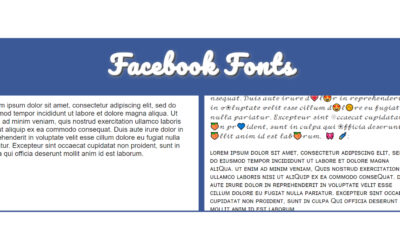
Lingo Jam – Free online Font changer for Facebook
We came across a free font customiser, LingoJam. It converts text into an array of different fonts that can be used on Facebook.

Jibble – Free time clock app
We came across a completely free online tool that enables you to keep track of time spent on projects for your whole team.

Tips for writing the perfect bio
We came across a very insightful article that outlines and gives tips about writing the perfect bios, pitches, or “about me” section on your website.
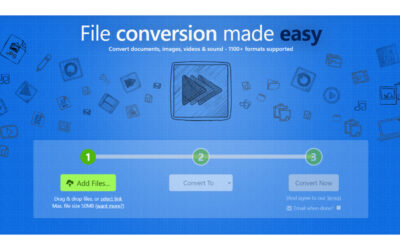
Zamzar – Online file conversion
The site supports more than 1,100 file formats and is really easy to use.
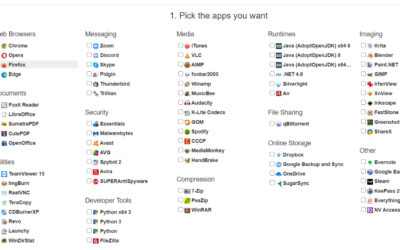
Ninite – Setting up your new computer has never been this easy
The site lets you pick and click web browsers, messaging apps, media programs, utilities and more, and then packages everything up into a single installer that runs on its own.
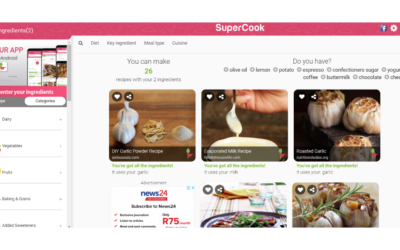
SuperCook – Find recipes for ingredients you have at home
SuperCook finds amazing recipes you can make, right now, with the ingredients you already have at home!

TuneIn – Discover audio that matters most to you
TuneIn.com is a central platform where you can easily get access to live streams of your favourite local and international radio stations.
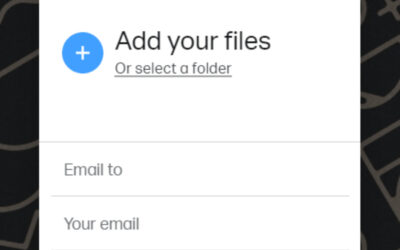
WeTransfer – The easy way to send files
In a few clicks, you can select the files you want to send, choose a recipient and send.
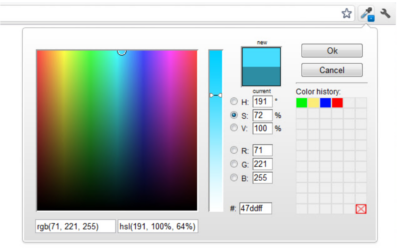
ColorZilla – Color picker in your browser
ColorZilla can get a color reading from any point in your browser window, adjust it if necessary, and be ready to paste it into your design’s colour selector.